I've been building a lot of Atmospheric apps lately, and with that comes building a lot of login pages.
When introducing new users to the Atmosphere, the login page is the first thing they see. And as a community we've wrestled with the best way to explain it all. Whether it's what to call an account (Atproto username? handle?), what logo to display, or even not mentioning the Atmosphere at all, we've tried a lot of different approaches.
In my opinion, simpler is better. There is a lot your could explain, but not a lot that should be explained.
We need to make this page serve two different people:
- User who know what the Atmosphere is
- User who don't know what the Atmosphere is
In this post I'll walk through what I've settled on for the login page.
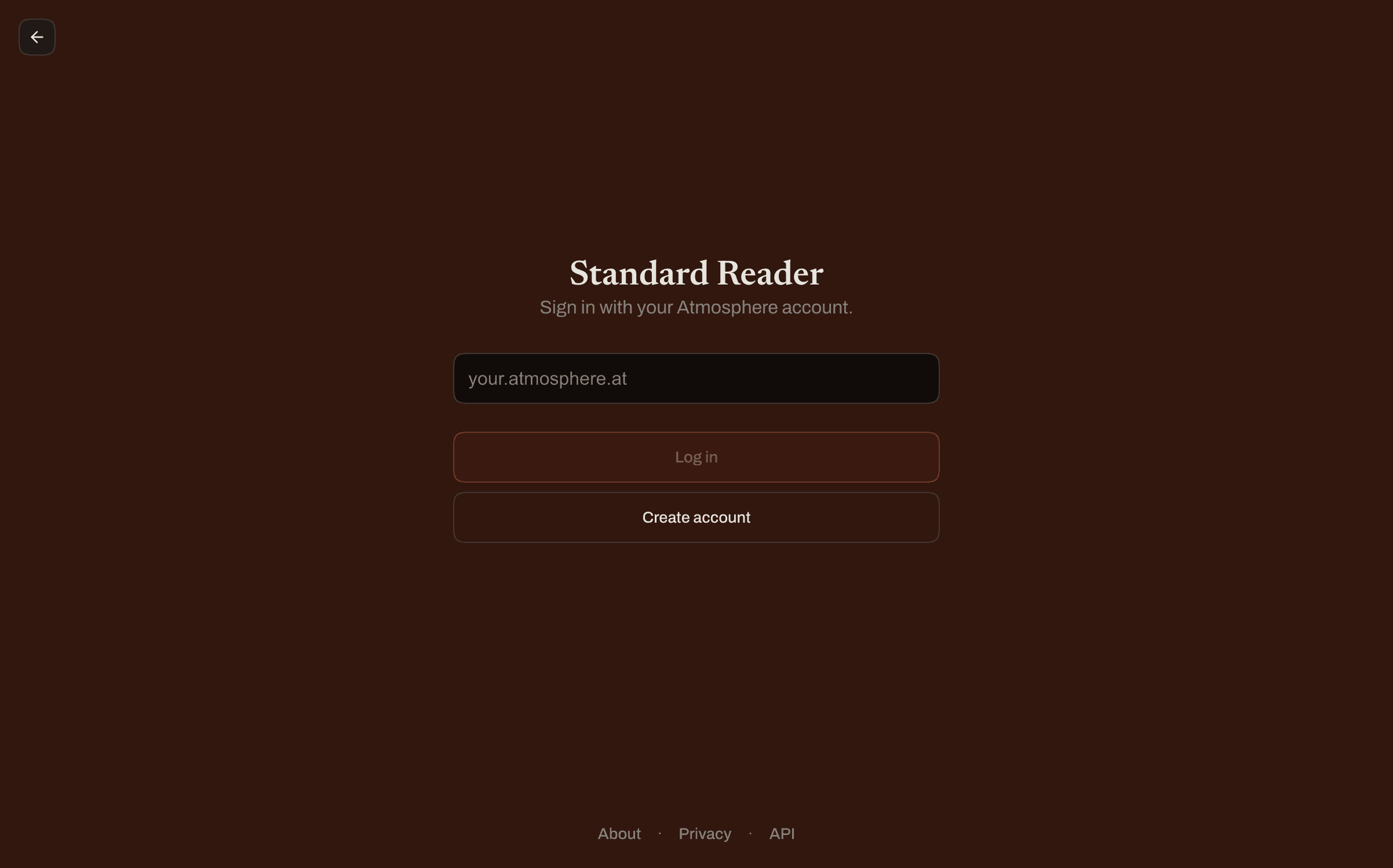
This user instantly knows what the Atmosphere is and is ready to sign in. We don't need much other than some label saying "Atmosphere" and a field to type in your handle.
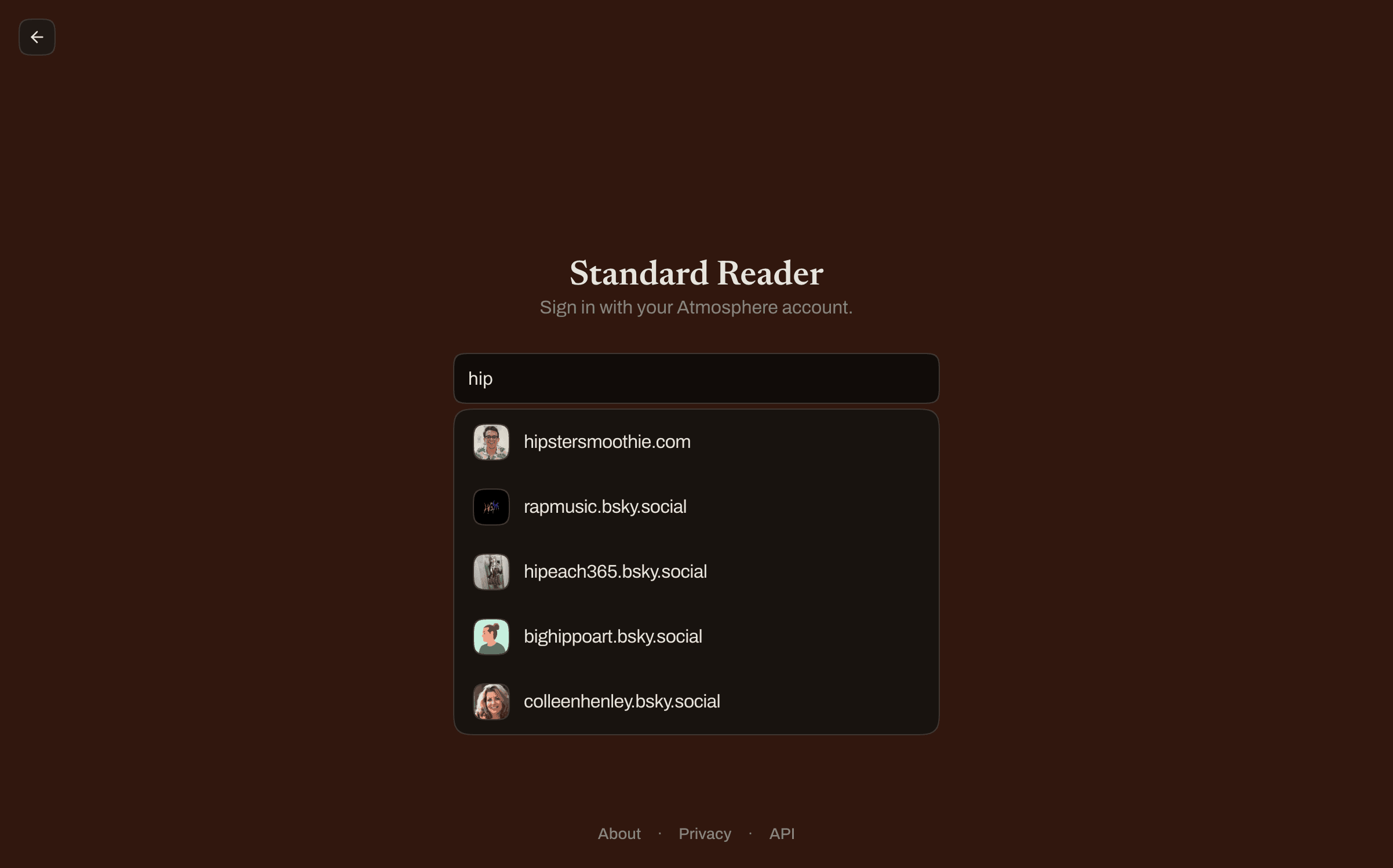
One bit of polish that you should probably have (well it's been up for debate) is a username typeahead. It makes it easy to find the handle you want to sign in rather than having to type a URL out.
UX Polish:
- The input should show matching handles as the user types
- When they press enter and there is a list of matches, select the first one and immediately start the OAuth flow
- If the user clicks on a handle, it should be filled in the input and the OAuth flow should start
- Still allow a user to type in a URL if they want to and click the "Log in" button
- Use https://typeahead.waow.tech/ for an API that gets every user on the network, not just the ones Bluesky cares about
Another great UX improvement is to use permissions scopes to better explain to the user what we're requesting and why.
These users will read that label, see the placeholder and probably immediately just click the create account button.
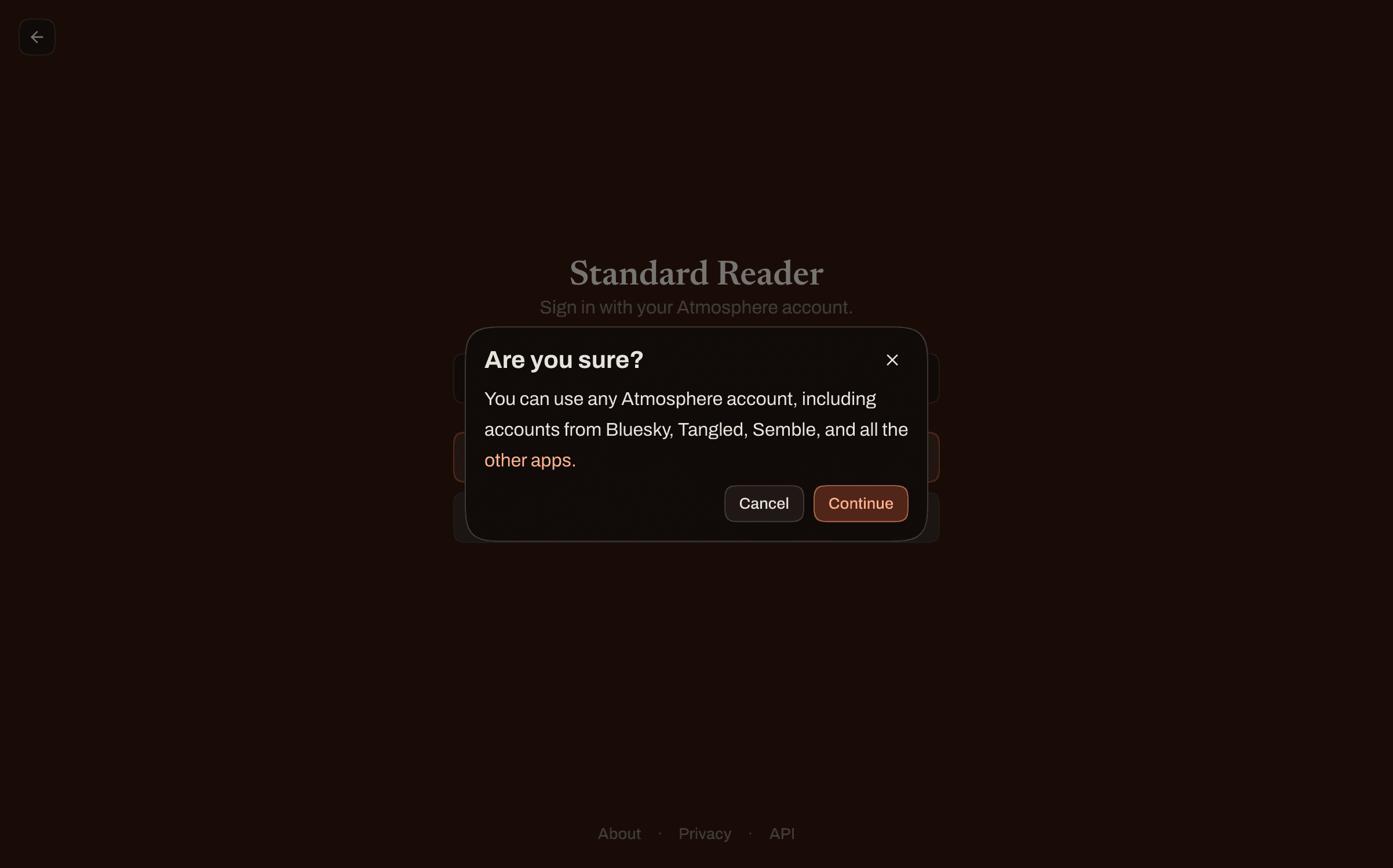
That button opens an AlertDialog that stops them to think if they actually want to create an account.
It's a friction-by-design moment, I'd rather slow people down for two seconds than have them create a second Atmosphere account that they probably don't want or need.
We mentions a few apps that should be trigger words for the thought, "Oh one of those". And if they aren't sure I link to atstore.fyi to help them figure it out (or even better, discover other apps they might want to try).
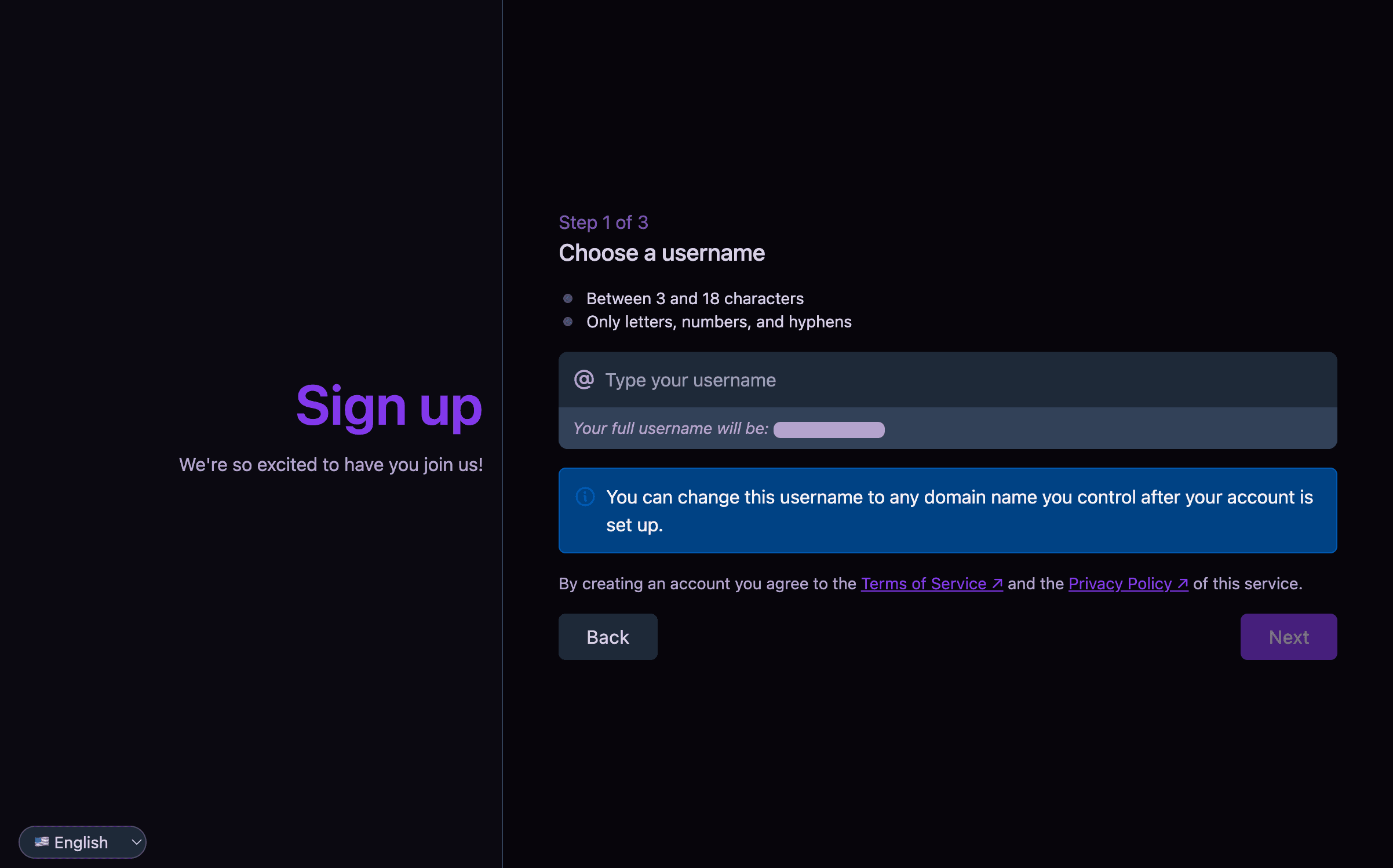
As for where they go when they click the "Create account" button, we redirect them to selfhosted.social where they can easily create an account a community hosted PDS (thanks Bailey!).
I personally don't want to be in the business of hosting PDSes, but I'm happy to link to a community hosted one. It would be cool to see a community maintained list of PDSes that are available to use, but for now this is nice, simple and unbranded.
A surprising number of login flows always show the same thing: an empty handle field. That's fine for first-timers, but for returning users it's friction. They have to re-type a handle they've already typed, and I just want to click!
When a user logs in we save their handle and avatar in a cookie. We can use this when serving the login page to show a list of saved handles.
For this flow you need to create and authorization URL to redirect the user to. On my apps this happens on the server, so I pre-resolve those URLs so clicking one is a single hop straight to the PDS.
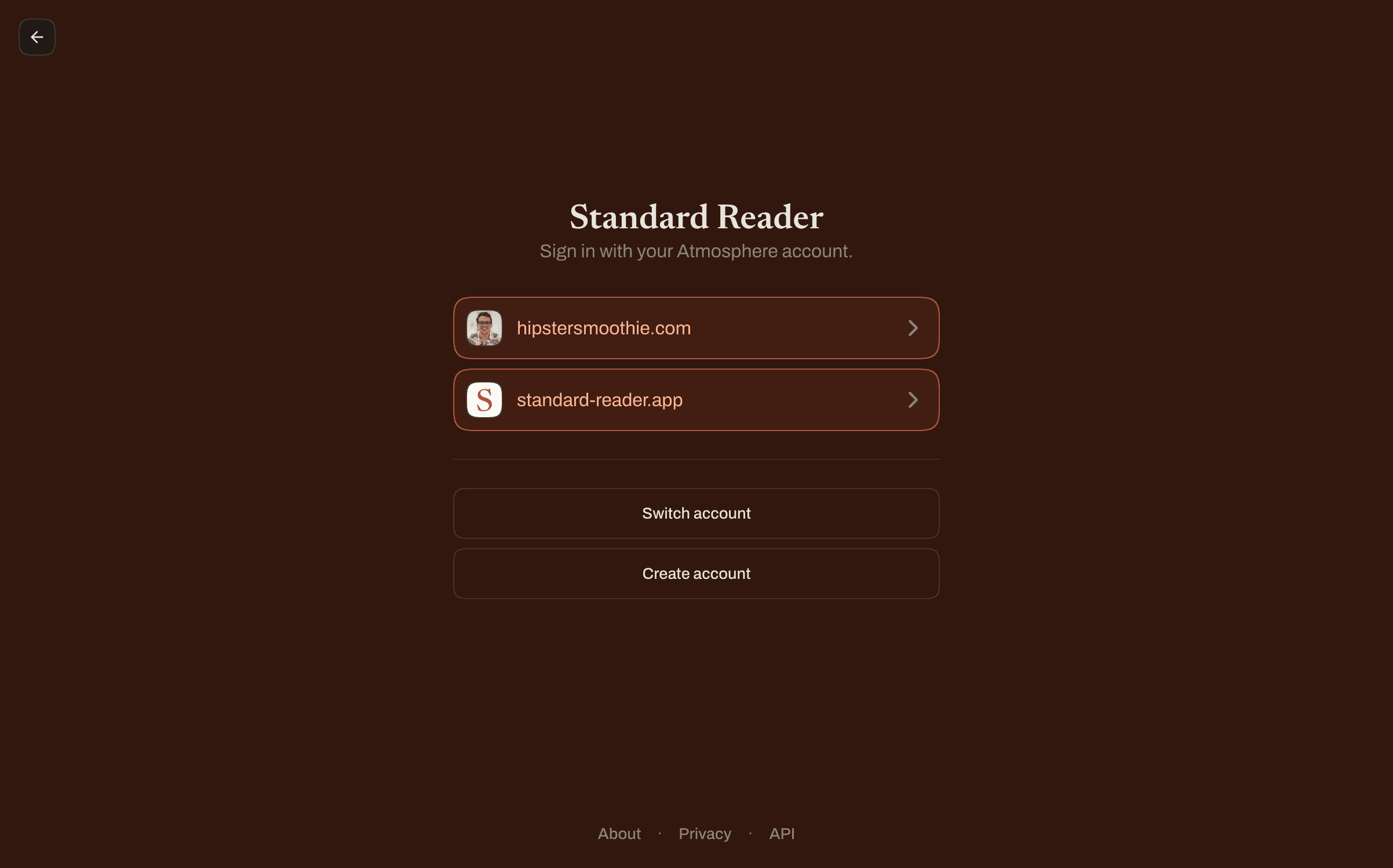
If the user doesn't want to use a saved handle, they can just click the "Switch account" button to get to the default flow.
You might notice that I didn't explain the Atmosphere really at all. That's because you don't need to explain it beyond mention it once. There are plenty of wonderful websites and blog posts that explain the Atmosphere in depth, much better than your login page can.
Users who know, get it. Users who don't, don't have to.
The point of our login pages isn't to get on a soapbox and present our dissertation about how the Atmosphere works, it's to get users signed in and using the app.
If you want to copy this login flow, feel free to point your AI at the source code.
Enjoying the blog?
Subscribe to get new posts delivered straight to wherever you read standard.site publications.
Subscribe